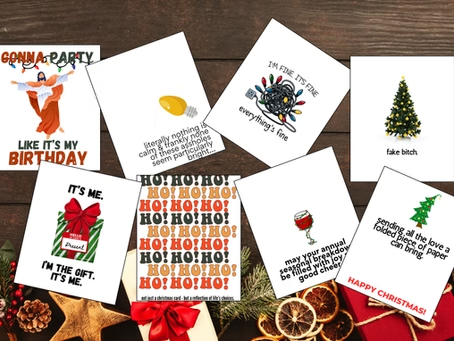
How to Create Your Grove-Approved Christmas Card Masterpiece 🎄💌
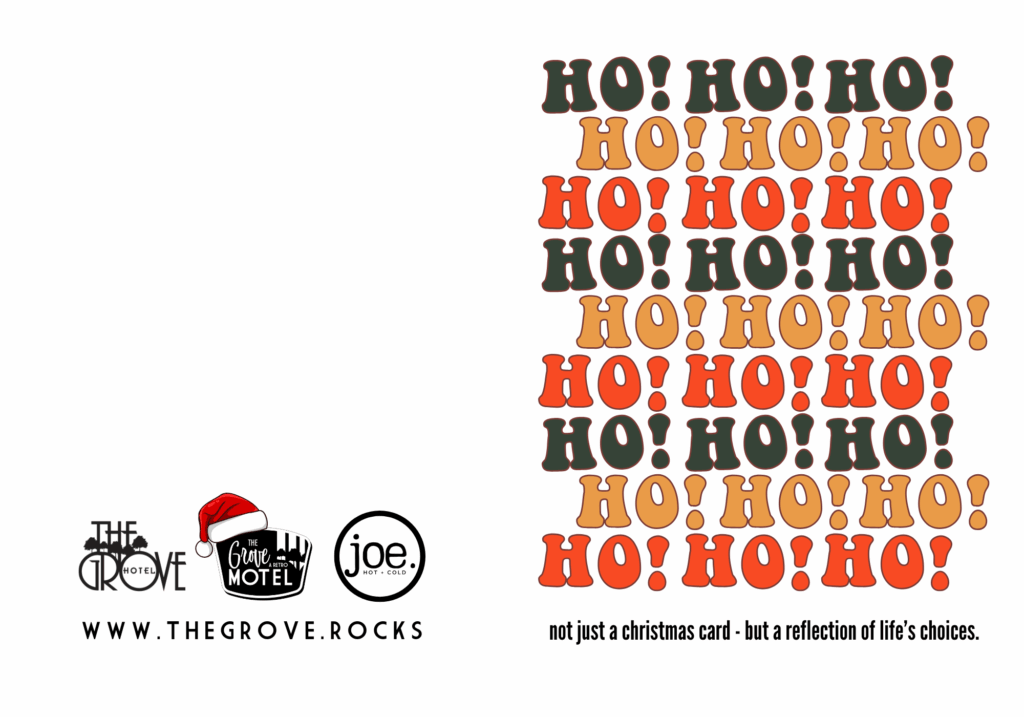
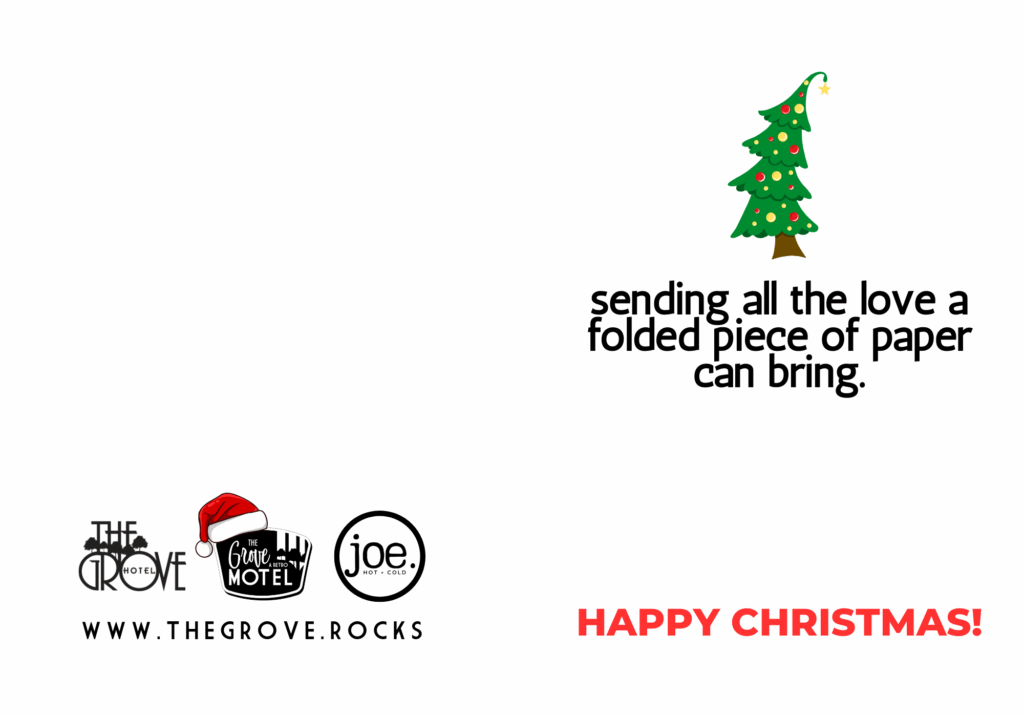
Get ready to wow your friends and family with your Grove-inspired Christmas card! Follow these simple steps to print, fold, cut, and make holiday magic happen:
Step 1: Download the Holiday Cheer
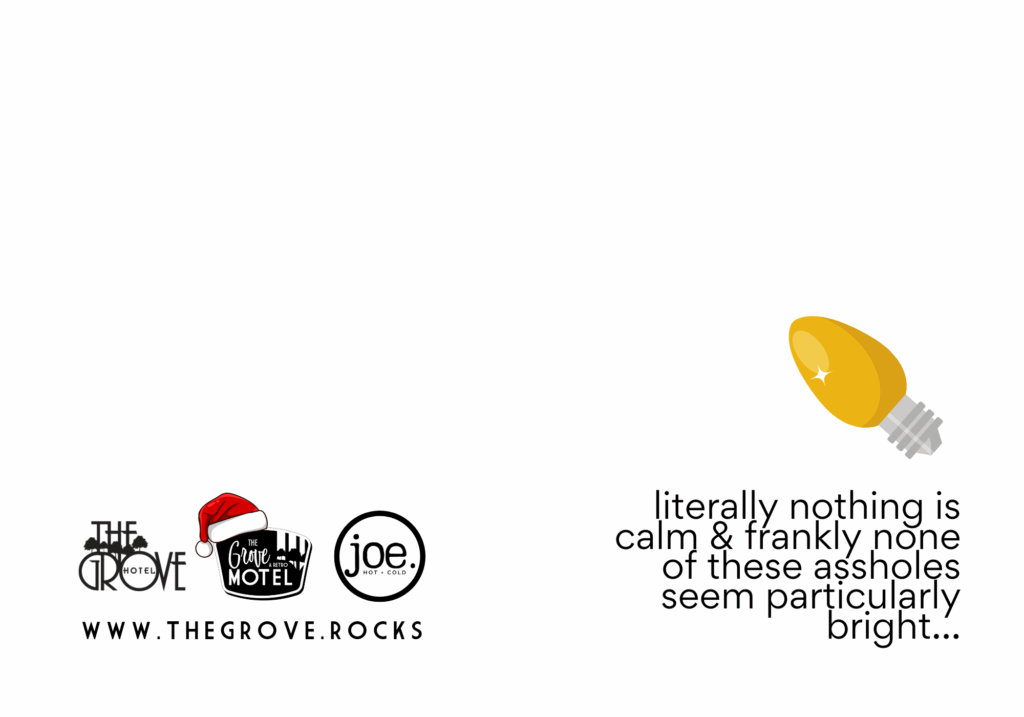
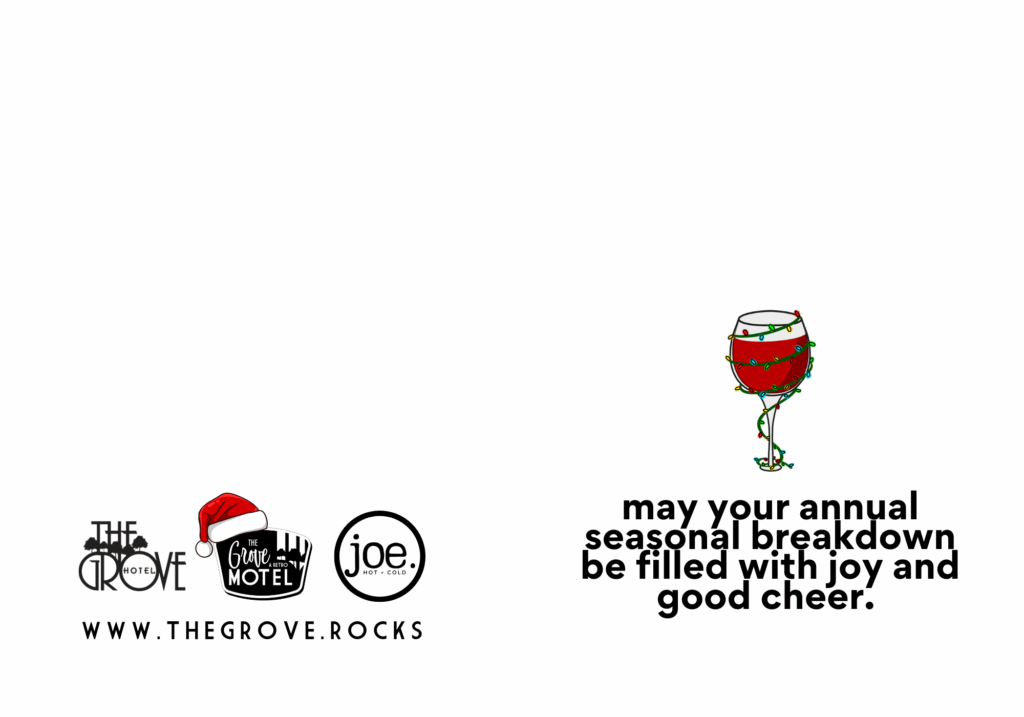
Click on the image and save it to your device. It’s time to unleash your inner DIY pro!
Step 2: Print It Like a Pro
Set up your printer with these settings:
- Paper: Use card stock (standard letter size: 8 ½ x 11). Regular paper just doesn’t do justice.
- Size: Select Landscape orientation and “Full Size” in your print options—this keeps everything perfectly aligned.
- Quality: Select the highest quality you can, for the best image and colour quality.
- PRINT away!
Step 3: Fold First, Cut Later
- Once printed, fold the card in half to create a temporary 5×7 layout.
- Press down on the fold to keep it neat—this will guide your trimming for a pro finish.
Step 4: Trim to Perfection ✂️
- Grab your scissors, a paper trimmer, or even enlist Santa’s elves.
- Cut to create your final 5×7 greeting card masterpiece. Keeping it folded while cutting ensures symmetry and precision.
Step 5: Add the Final Touches
- Write your heartfelt message inside.
- Take it up a notch by attaching a Grove Gift Card for the ultimate holiday surprise.
Pro Tip: When the Printer Doesn’t Cooperate…
No worries! Take your file to a local print shop like Staples. They’ll deliver flawless results every time.
🎁 And Boom! You’ve got a professional-looking card ready to spread Grove joy. Pair it with a smile, some love, and you’re golden.




Happy Holidays from all of us Cool Kids at The Grove! 🌟 🎄